Skip to content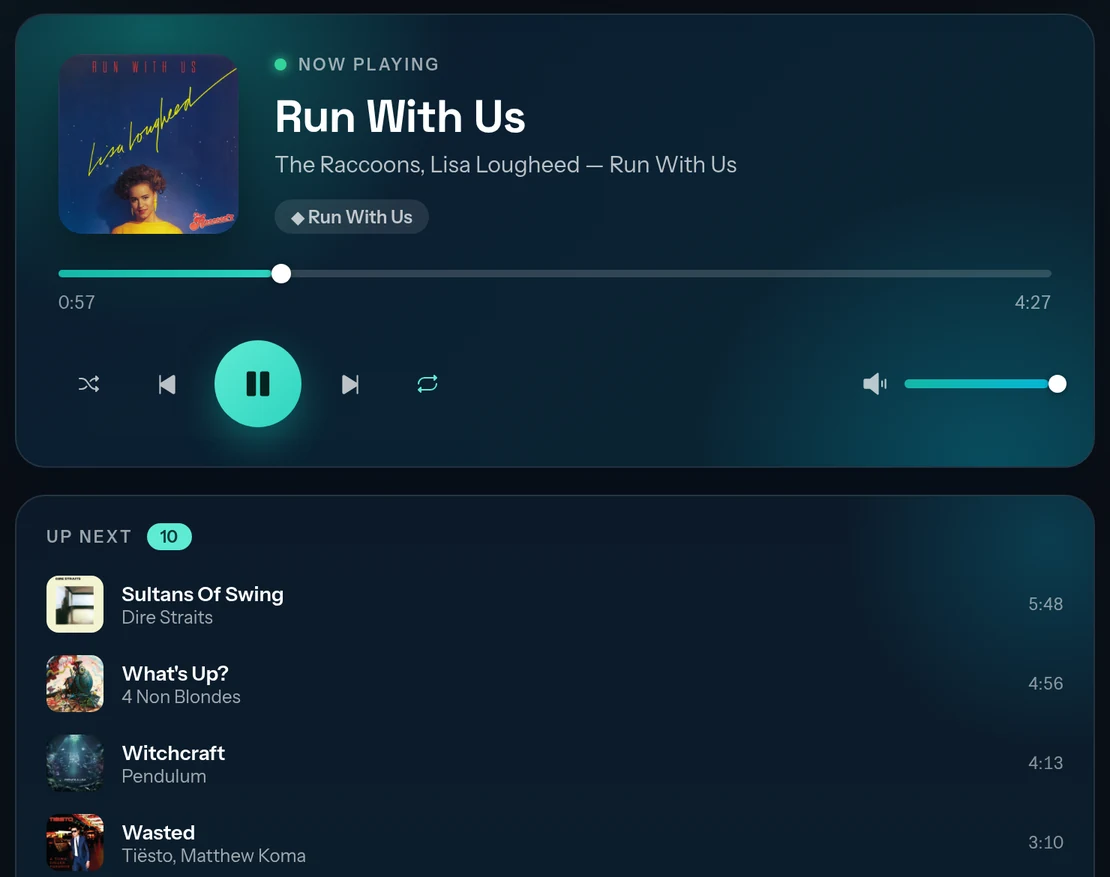

Your Raspberry Pi, as a Spotify Connect speaker
Encore runs Spotify Soloist, Spotify's official headless player, on a Raspberry Pi, Orange Pi, Banana Pi or any 64-bit Linux box. One Docker Compose file, no PipeWire wrangling, and a web console to set it up.
Three steps to music
The whole install
yaml
# docker-compose.yml
services:
  encore:
    image: ghcr.io/mintopia/encore:latest
    network_mode: host
    restart: unless-stopped
    devices:
      - /dev/snd:/dev/snd
    volumes:
      - /run/udev:/run/udev:ro
      - ./config:/config
      - soloist-data:/data
      - soloist-cache:/cache

volumes:
  soloist-data:
  soloist-cache:
bash
docker compose up -dThen open http://<your-pi> and follow the setup page. Full walkthrough
What you get
- Spotify's own clientBuilt on Spotify Soloist, the headless Spotify Connect client Spotify publishes for developers. Your Pi shows up in the Connect menu like any other speaker.
- Web consoleSet your Soloist API key, device name and audio outputs from a browser. Now Playing with transport controls, plus a Debug view for when things go wrong.
- Multi-room with SnapcastA built-in Snapcast server streams synced audio to every room, or sends it on to a Snapserver you already run.
- Speakers, HATs and DACsPlay through the board's own audio, a USB DAC or a DAC HAT alongside Snapcast, with a per-output delay for lining rooms up.
- Lyrics overlaySynced, karaoke-style lyrics on a transparent page for OBS, styled from the console with a live preview.
- Hooks for your own appsA token-authenticated control WebSocket, webhooks, and an outbound relay that speaks Pusher and Laravel Reverb.